
Programming Basics: Your First JavaScript Concepts
A beginner-friendly programming guide that explains core JavaScript concepts, problem-solving habits, examples, and practice projects.
Introduction
Programming is the skill of giving clear instructions to a computer. For beginners, it can feel strange because computers follow instructions exactly. JavaScript is a good first language because it runs in the browser and shows results quickly.
This guide explains programming basics using JavaScript examples. You will learn variables, data types, conditions, loops, functions, debugging, and practice habits. The goal is not to memorize syntax, but to think like a problem solver.
Overview
A strong approach to programming basics begins with a clear overview. Students should know what the topic means, where it appears in school learning, and how it connects to exams and daily thinking. This prevents random study and gives each lesson a purpose.
The best learning path is simple: understand the idea, see an example, practice carefully, and review mistakes. This method works for beginners because it builds confidence in small steps. It also keeps secondary keywords such as JavaScript for beginners and coding concepts connected to useful explanations.
Definitions
Programming is the process of designing and writing instructions that a computer can execute. JavaScript is a programming language used widely for websites, apps, and interactive features.
Important Terms
- Variable: a named place for storing a value.
- Data type: the kind of value, such as number or string.
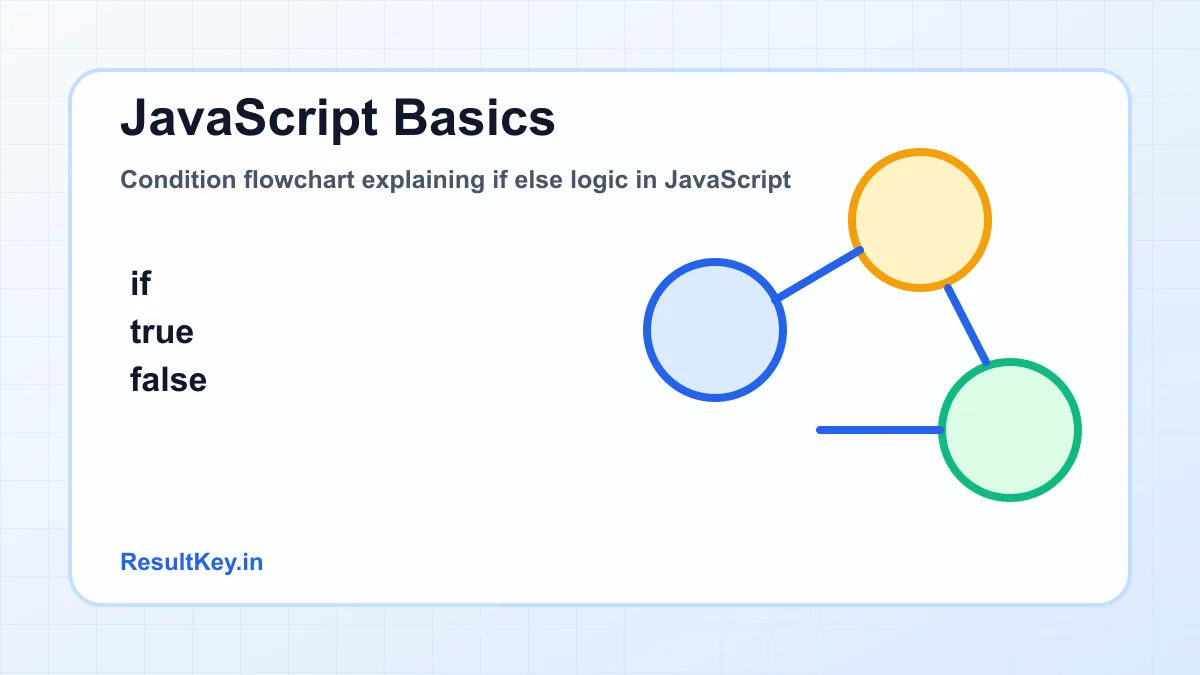
- Condition: a decision in code.
- Loop: a way to repeat instructions.
- Function: a reusable block of code.
- Debugging: finding and fixing errors.
Students should write definitions in their own words after reading them. A copied definition may help in a short answer, but a self-written explanation shows real understanding. Use textbook language for exams, then add your own example beside it.
Why It Is Important
Programming is important because it builds logical thinking and digital creativity. Students can use coding to make calculators, quizzes, websites, games, and automation tools. It also supports future careers in technology, design, data, and engineering.
This topic also builds habits that support independent study. When students learn programming basics properly, they improve attention, reasoning, and the ability to explain answers. These habits are useful in school tests, board exams, entrance preparation, and real learning beyond marks.
Key Concepts
Core Ideas to Remember
| Concept | Student-friendly meaning |
|---|---|
| Variable | a named place for storing a value. |
| Data type | the kind of value, such as number or string. |
| Condition | a decision in code. |
| Loop | a way to repeat instructions. |
| Function | a reusable block of code. |
Do not try to master every concept in one sitting. Read one idea, solve or explain one example, and then move to the next. Short active sessions usually work better than long passive reading.
Detailed Explanation
How the Topic Works
The detailed explanation of programming basics should always move from simple to complex. First, notice the basic pattern. Next, connect the pattern with terms and examples. Finally, apply the idea to a question where the answer is not obvious at first.
This order matters because beginners often jump directly to difficult questions. When the foundation is weak, even a small change in wording creates confusion. A patient sequence helps students see the logic behind the answer.
Examples
JavaScript example
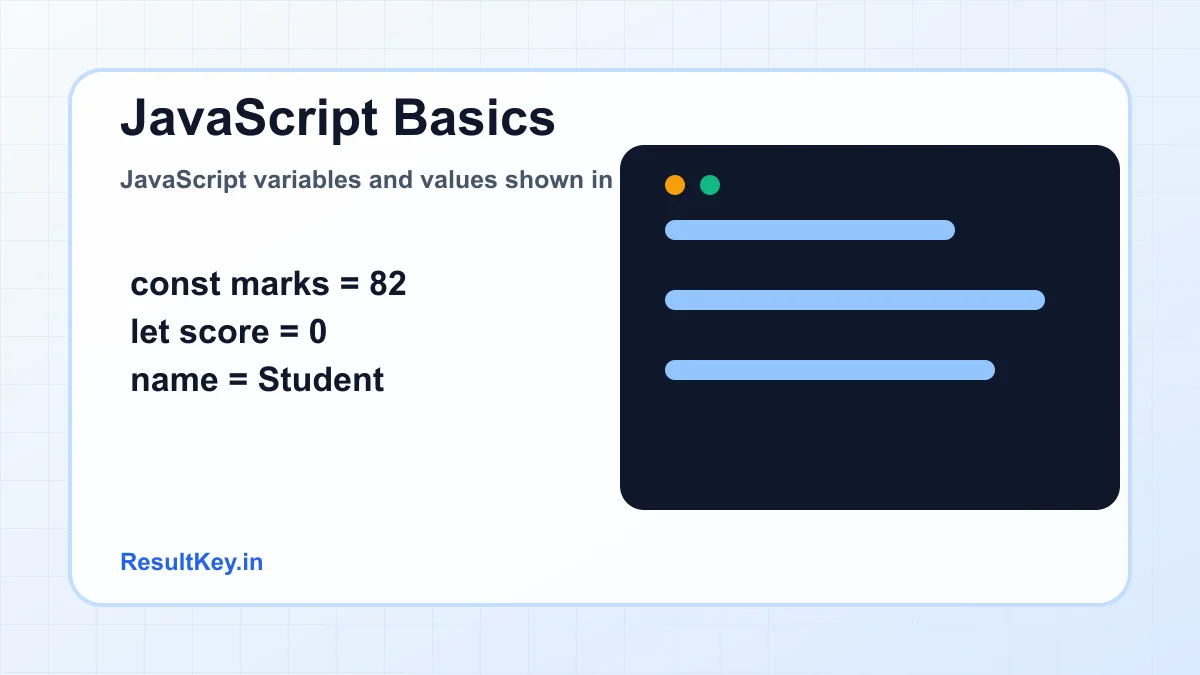
A marks checker can use a variable for marks and a condition for pass or try again. If marks are 82, the condition marks >= 40 is true, so the program prints Pass.
After reading an example, cover the solution and try to solve it again. This small habit changes reading into active recall. It also shows whether you understood the method or only recognized the answer.
Step-by-Step Guide
- Learn basic syntax slowly.
- Write variables and simple calculations.
- Practice conditions with real examples.
- Use loops for repeated tasks.
- Create small functions.
- Debug errors by reading messages carefully.
Follow these steps for at least two weeks before judging the method. Learning improves when the same routine is repeated long enough to reveal progress. Keep your plan visible on paper or in a simple notes app.
Best Practices
- Type code yourself instead of only watching videos.
- Build tiny projects after every concept.
- Use clear variable names.
- Read error messages calmly.
- Keep notes for common mistakes.
Best practices are small actions that protect your time. They reduce confusion, make revision easier, and help you notice mistakes early. Students who follow a simple process usually improve faster than students who keep changing methods.
Common Mistakes
- Copying code without understanding it.
- Ignoring spelling and punctuation errors.
- Trying advanced frameworks too early.
- Not testing code after small changes.
- Giving up when the first error appears.
Mistakes are not proof that you are weak. They are information. Write the error, the correct method, and one fresh example. This turns a wrong answer into a useful revision tool.
Tips for Better Learning
- Start with browser console practice.
- Explain each line in plain English.
- Use comments only when helpful.
- Break large problems into steps.
- Share projects for feedback.
These tips make programming basics easier to revise. Use them with a realistic timetable. A crowded routine may look impressive, but a simple routine followed daily produces better results.
Advantages
- Builds problem-solving skills.
- Creates useful digital projects.
- Supports many career paths.
- Gives quick feedback while learning.
Disadvantages and Limits
- Syntax errors can frustrate beginners.
- Too many tutorials can confuse learners.
- Concepts need repeated practice.
Every topic has limits, and knowing them is part of mature learning. Students should not expect one article, one video, or one worksheet to solve everything. Use this guide as a structured base and keep improving through practice.
Helpful Resources
For school-level learning, start with your official textbook, teacher notes, and syllabus. NCERT textbooks, state board books, official exam notifications, and recognized educational institutions are reliable starting points. Use online resources only after checking that they match your class level and curriculum.
Good code begins as clear thinking before it becomes syntax.
ResultWeb Editorial Team
Summary
Programming basics include variables, conditions, loops, functions, and debugging. JavaScript helps beginners practice these ideas through small visible projects.
In short, programming basics becomes easier when students study with structure. Learn the meaning, practice with examples, revise regularly, and ask questions when a step feels unclear.
A final revision habit is to explain programming basics in plain words without looking at notes. If you can explain the idea, give an example, and name one common mistake, your understanding is moving in the right direction. This active recall method is simple, but it is one of the most reliable ways for students to prepare.
Beginners should learn to trace code line by line. Write the value of each variable after every step. This simple habit makes loops, conditions, and functions much easier because you can see how data changes.
Use official documentation when you are ready, especially MDN Web Docs for JavaScript basics. Documentation may feel difficult at first, but it teaches accurate language and helps you become independent from tutorials.
Conclusion
To learn programming basics, write code regularly, build small projects, and treat errors as clues. JavaScript is a friendly starting point when you learn one concept at a time.
The next step is simple: choose one section from this guide, make short notes, and practice today. Small action is better than waiting for the perfect study mood.
Frequently Asked Questions
Students ask this because programming basics can feel wide at first. The best answer is to begin with the basic meaning, study one example, and then practice a few questions with feedback. Keep your textbook or teacher notes nearby so your learning stays aligned with the syllabus. After each practice session, write one thing you understood and one doubt you still have. This habit makes revision clearer and prevents last-minute confusion.
ResultWeb Editorial Team
Educational writers focused on clear explanations, practical revision systems, and student-friendly learning resources.
Get smarter study notes weekly
Join the ResultWeb.in learning list for practical guides, exam strategy, and resource updates.
Related Posts
Mastering Physics Formulas With Meaning
Learn physics formulas with meaning by connecting symbols, units, diagrams, derivations, and numerical examples.
Chemistry Periodic Table Guide for Beginners
Learn how the periodic table is organized and how groups, periods, valency, and trends help you predict element properties.
Biology Cell Structure Explained Simply
Understand cell structure through organelles, functions, plant and animal cell comparison, diagrams, examples, and revision tips.
English Comprehension Skills That Improve Scores
Improve reading comprehension with skimming, scanning, inference, vocabulary, evidence-based answers, and exam-ready practice.
Career Options After 12th: A Practical Decision Guide
Compare career options after 12th with a clear decision framework for interests, skills, courses, entrance exams, and future growth.

Python Programming Introduction for Beginners
Understand python basics through clean syntax, variables, loops, conditional indentation, examples, and revision tips.